
Resources
The Mockup Handbook, licensing help and answers to common questions.
Included with every mockup
The Mockup Handbook
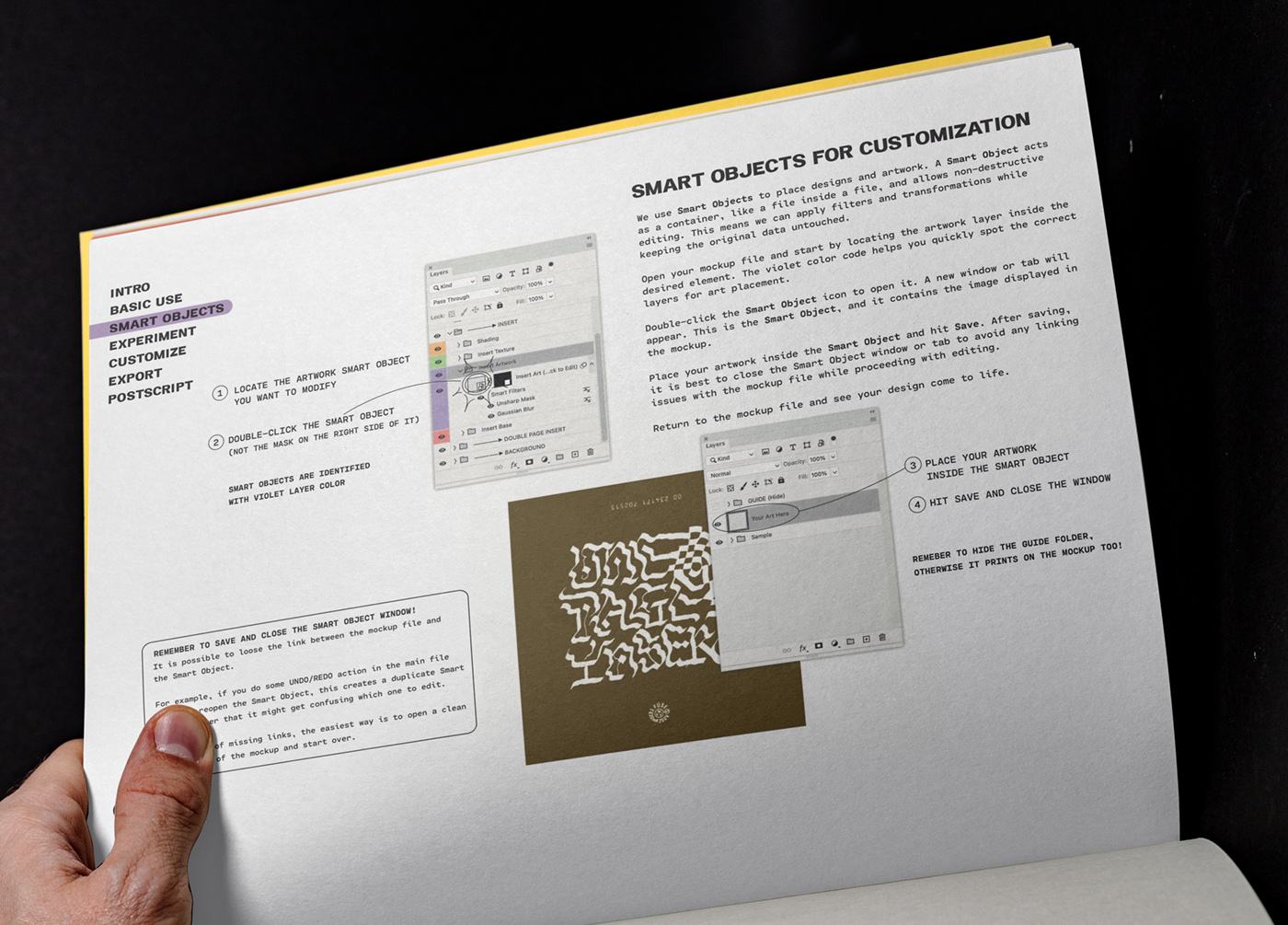
A PDF that ships inside every download. It covers how the files are built, how to work with them, and how to reach the result you are after.
Written around the way these mockups are actually used, not as a general Photoshop manual.
Basic use. The color-coded layer system, and what each group controls.
Smart objects. Placing your artwork, working with guides, keeping the link intact.
Experiment. Shading through opacity and blending modes, with a rule of thumb for each.
Customize. Color, moving elements, custom effect vinyl, backgrounds, textures and post-processing.
Export. Getting a clean final image out, for web or print.
Not every method of experimentation and customization applies to every mockup, and some arrive in later updates.
More
Everything else you might need before or after buying.